Essential settings to improve accessibility of Fresh using the Xscriptor themes.

- Overview
- Installation
- Uninstall
- Manual Installation
- Available Themes
- Colors
- Notes
- Related Documents
- Related Repos
- X

More
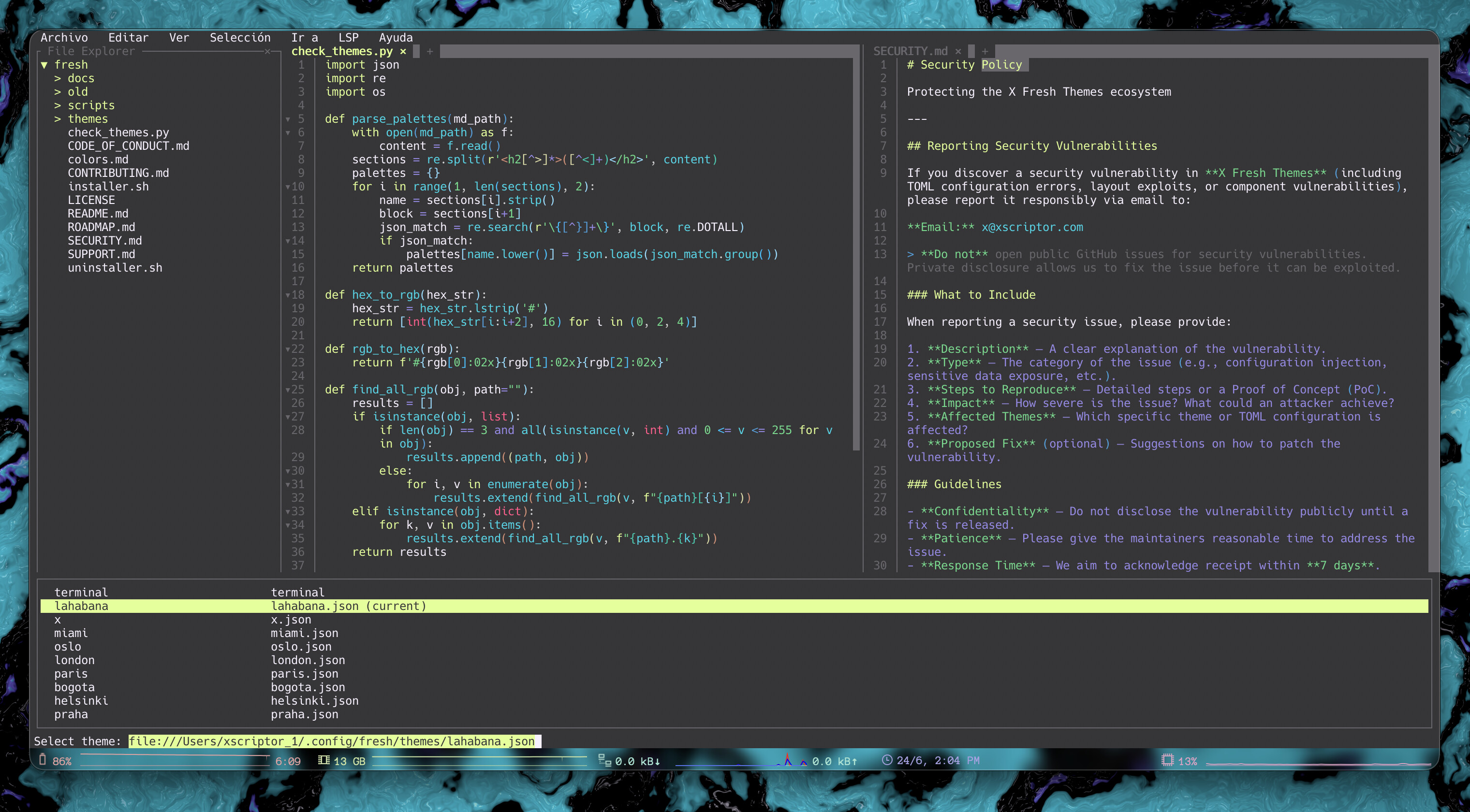
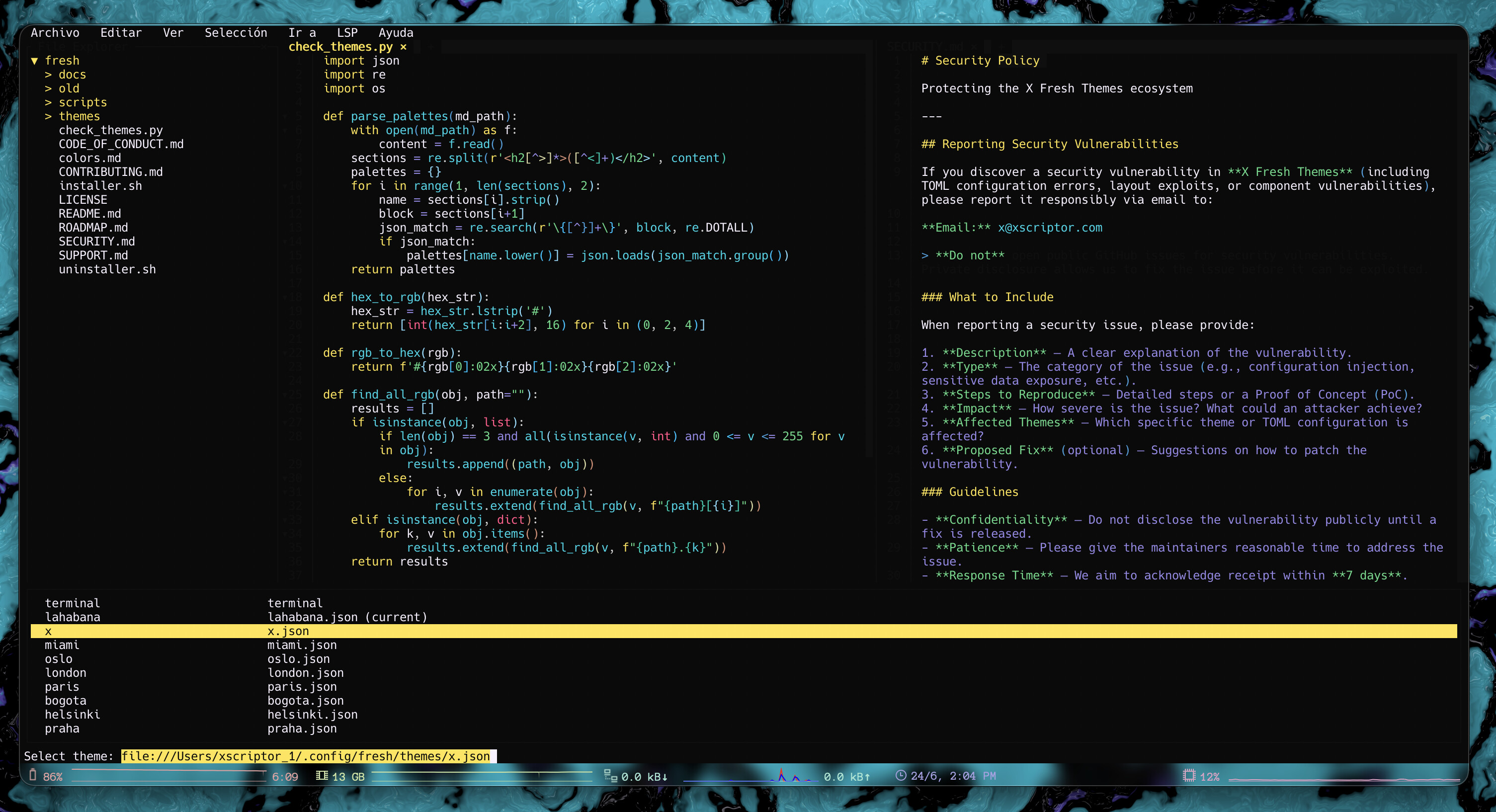
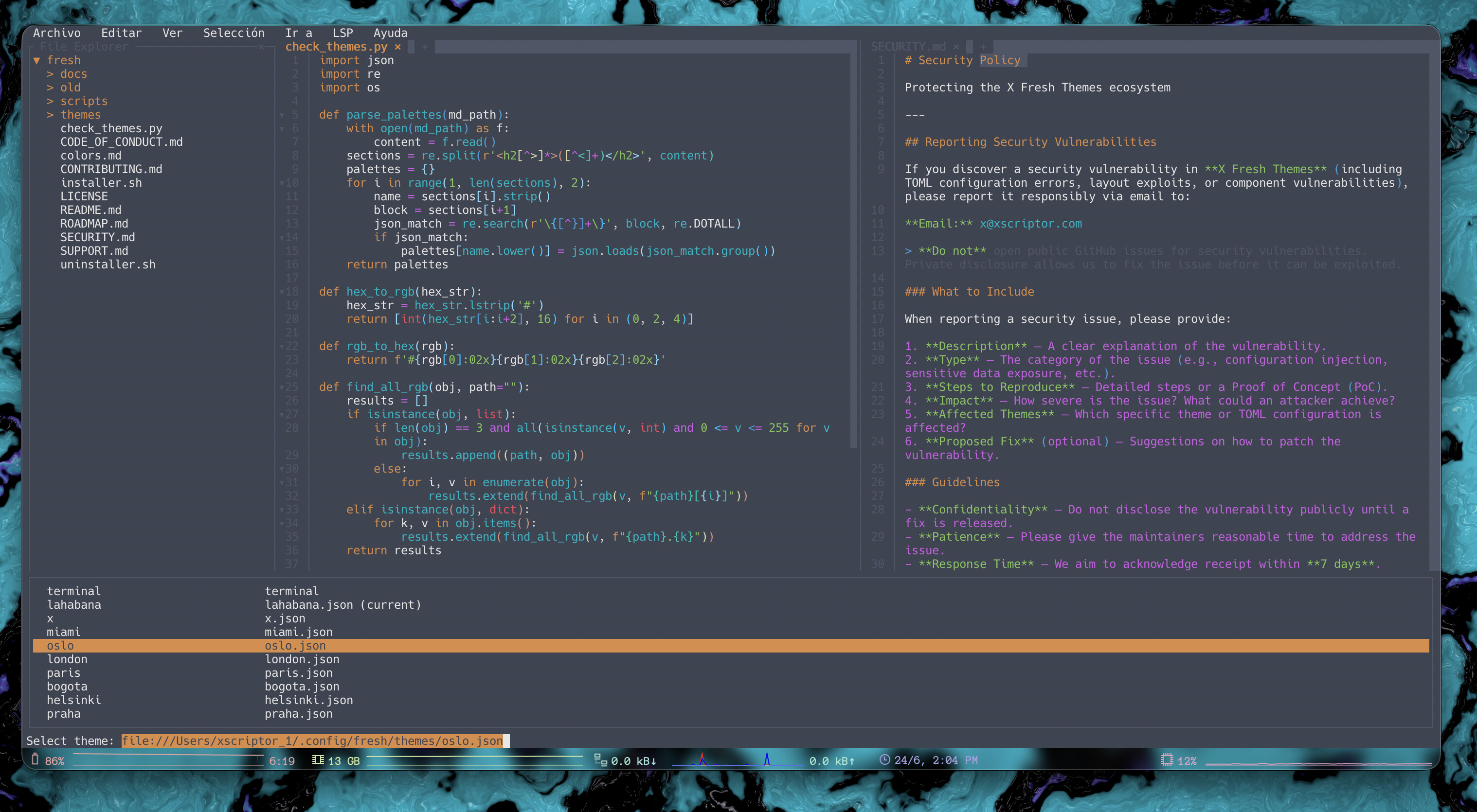
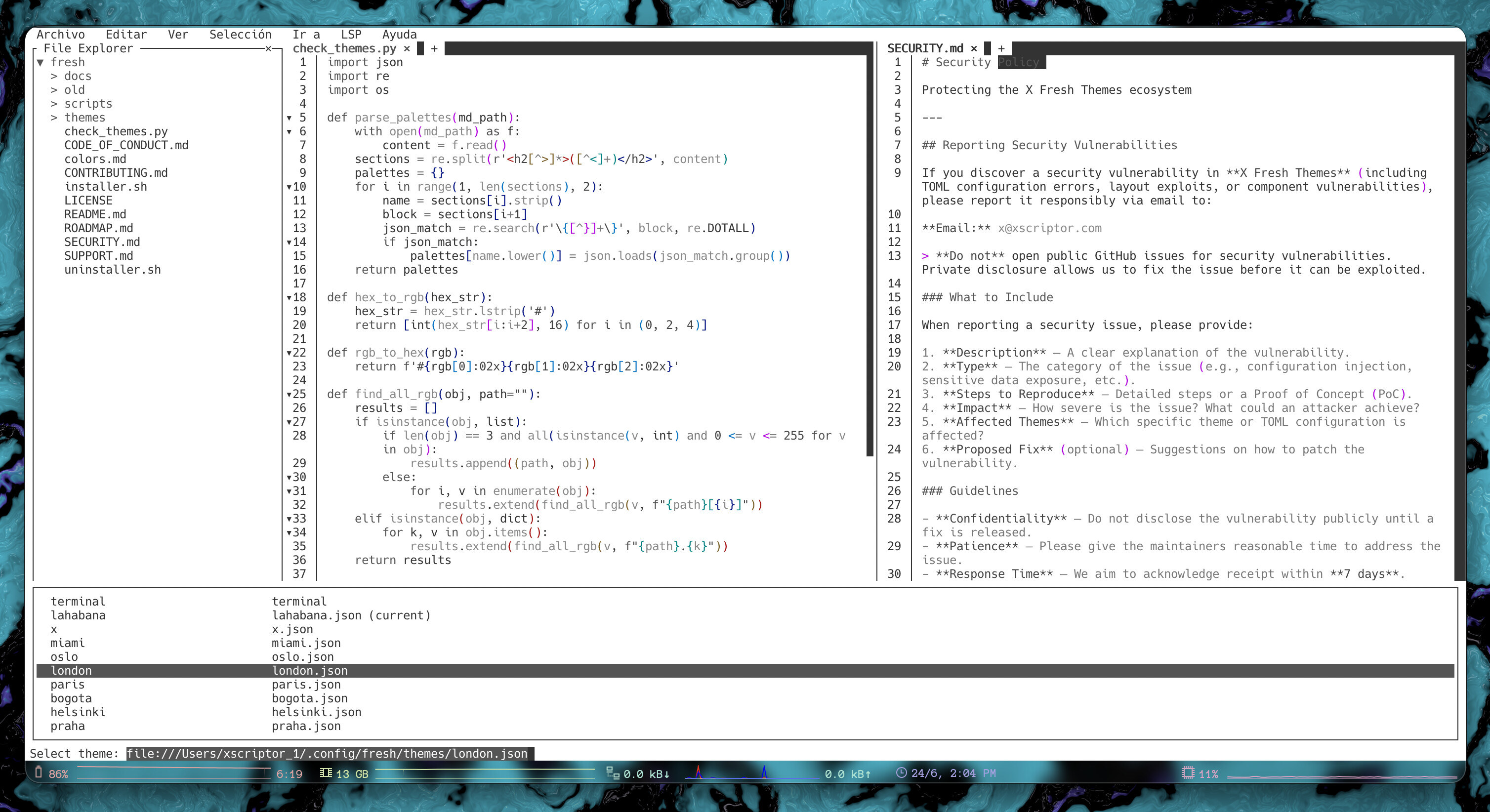
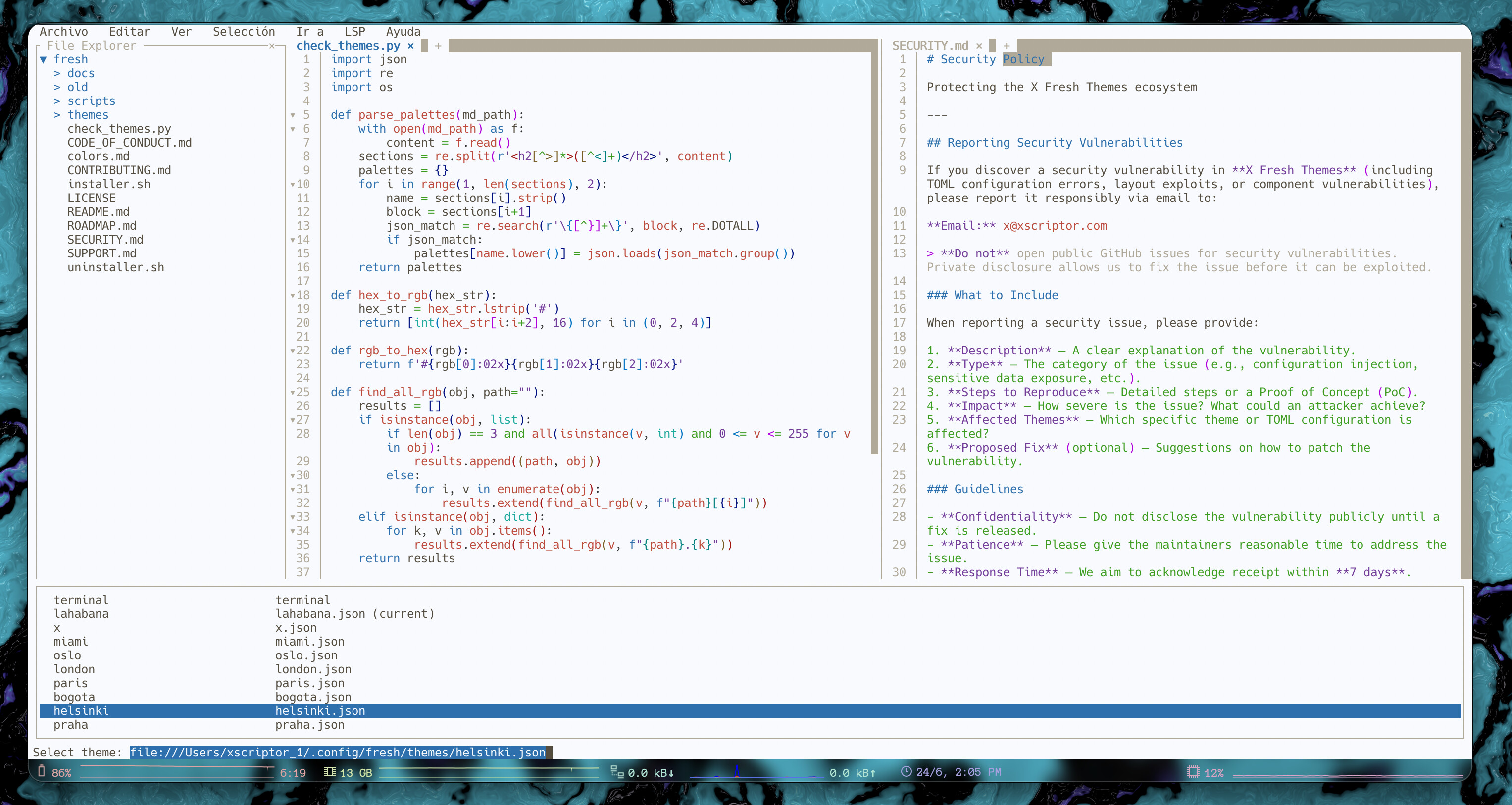
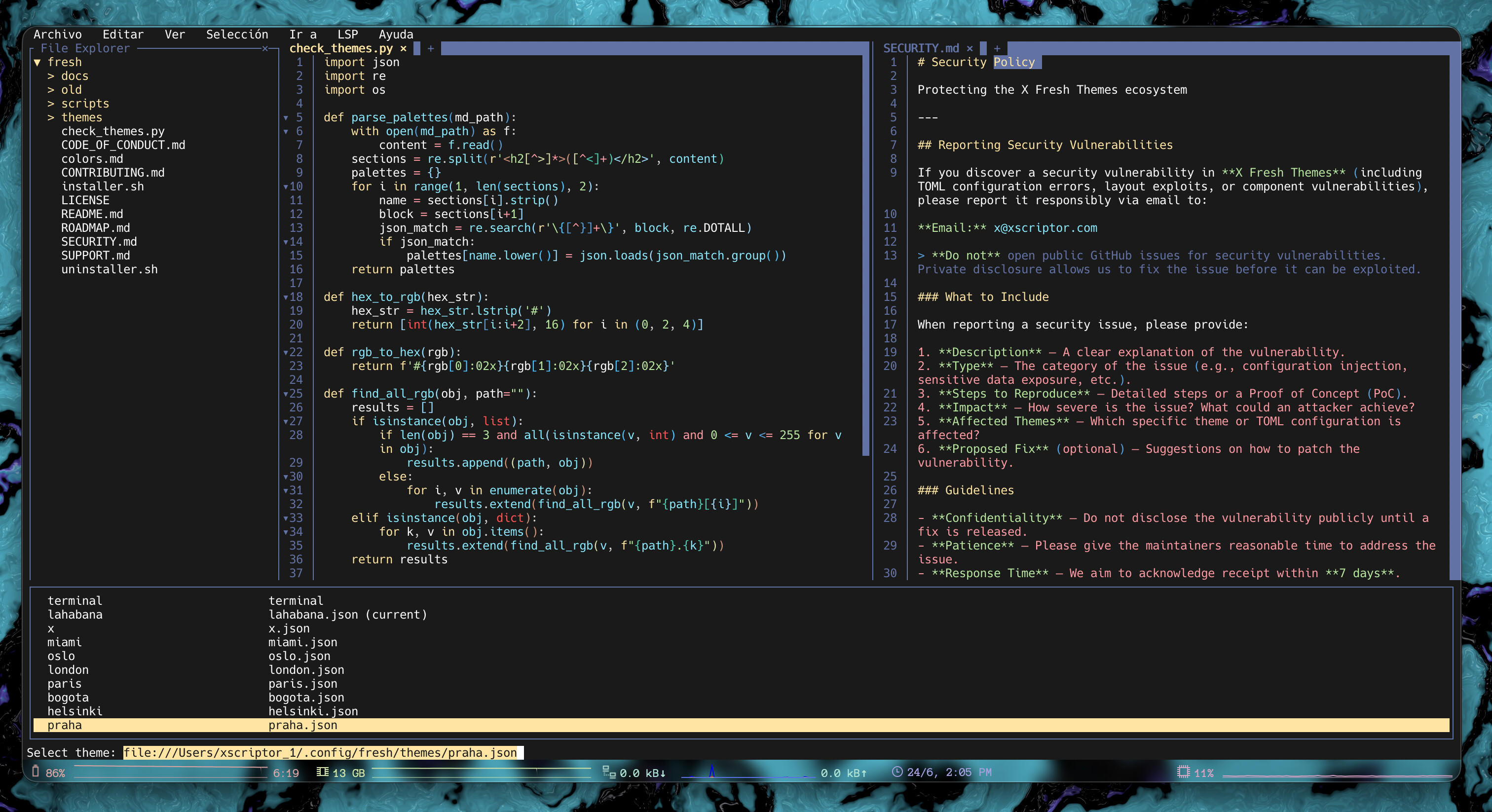
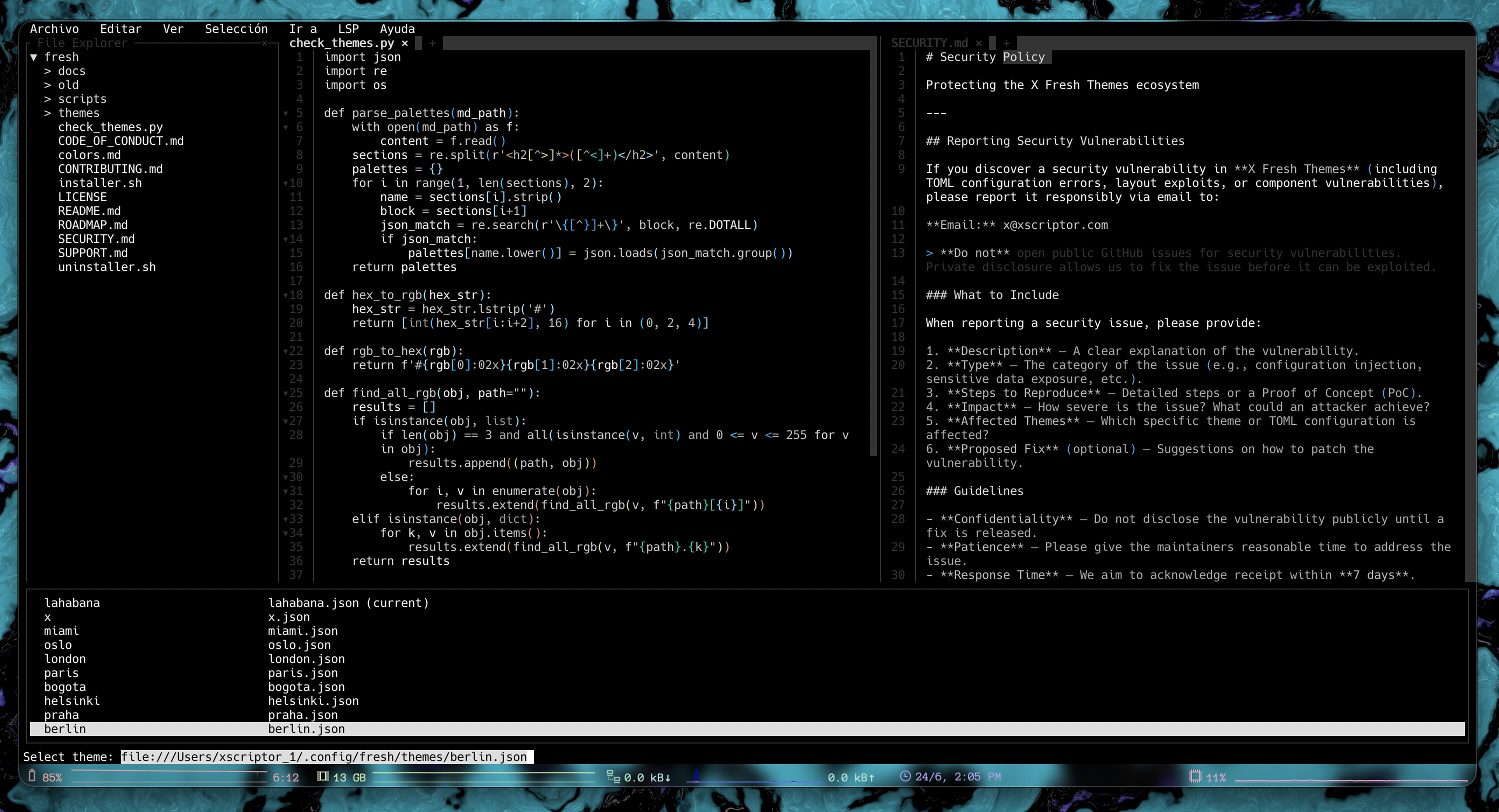
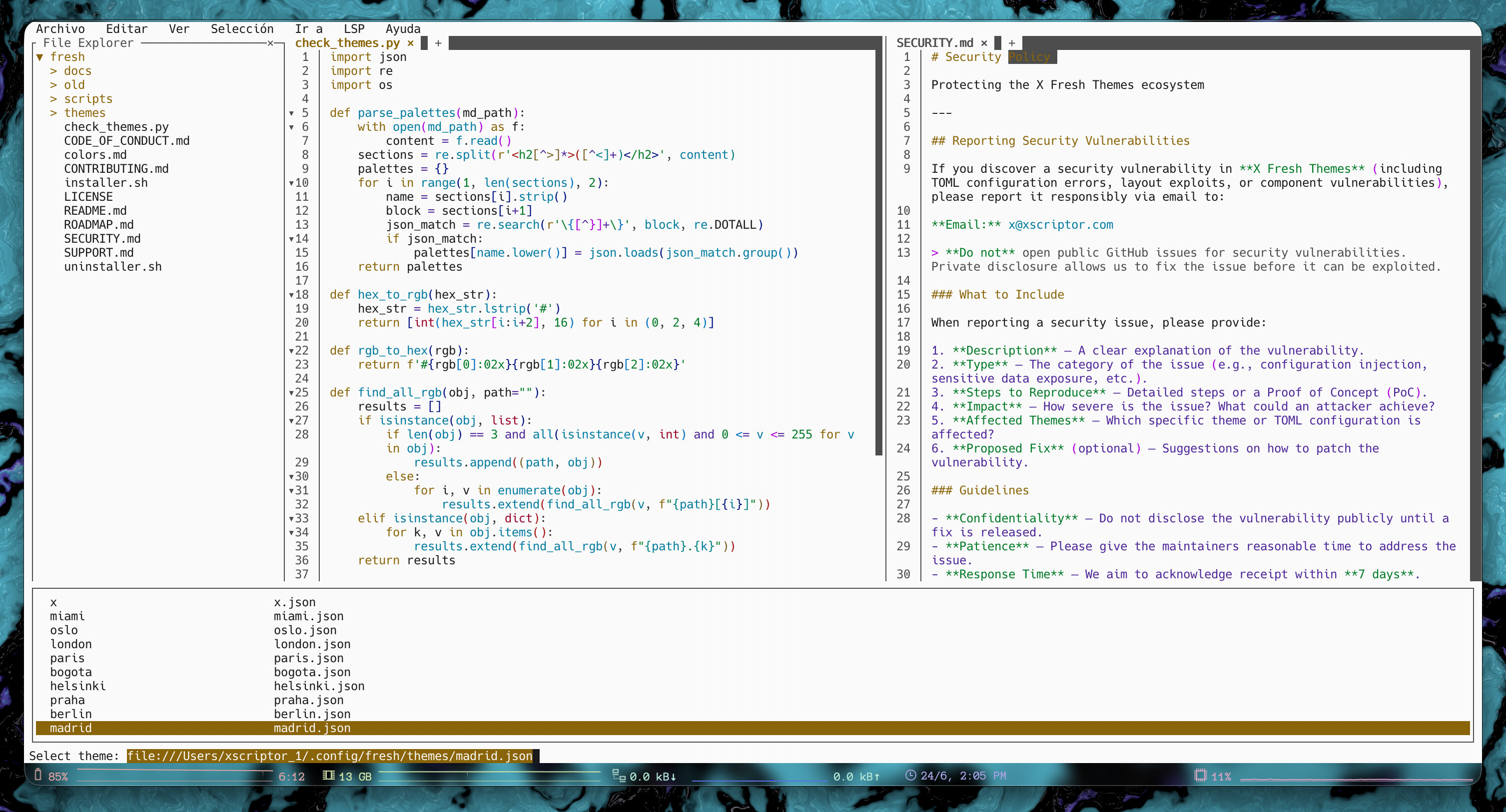
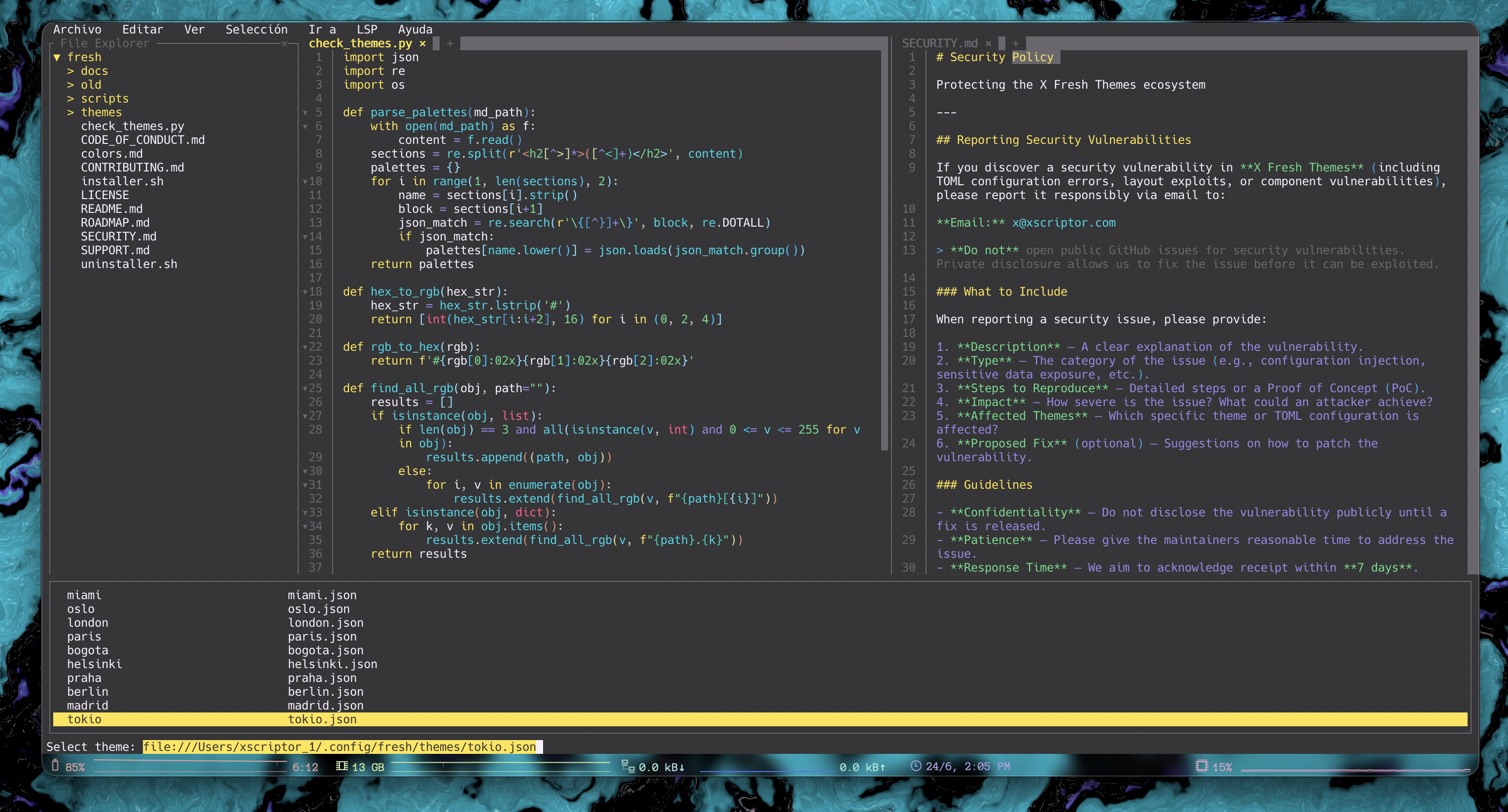
Custom color themes for Fresh, the terminal text editor. This repository contains multiple JSON theme files compatible with Fresh.
Install them into ~/.config/fresh/themes.
Run the installer remotely with either curl or wget:
curl -fsSL https://raw.githubusercontent.com/xscriptor/fresh/main/installer.sh | bash
wget -qO- https://raw.githubusercontent.com/xscriptor/fresh/main/installer.sh | bash
The installer creates ~/.config/fresh/themes if it does not exist and copies all themes there.
Remove the installed themes with:
curl -fsSL https://raw.githubusercontent.com/xscriptor/fresh/main/uninstaller.sh | bash
wget -qO- https://raw.githubusercontent.com/xscriptor/fresh/main/uninstaller.sh | bash
This removes the themes provided by this repository. If the directory becomes empty, it is removed.
mkdir -p ~/.config/fresh/themes
cp -f themes/*.json ~/.config/fresh/themes/
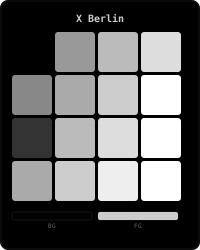
- berlin
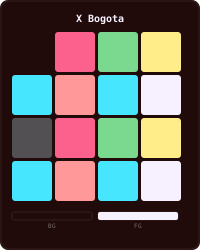
- bogota
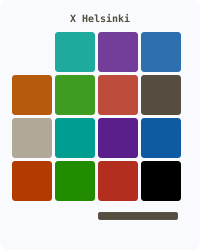
- helsinki
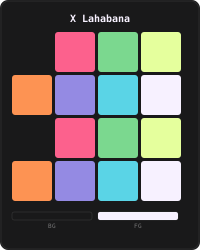
- lahabana
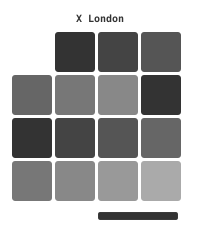
- london
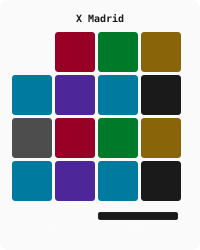
- madrid
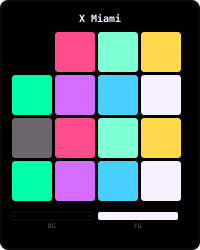
- miami
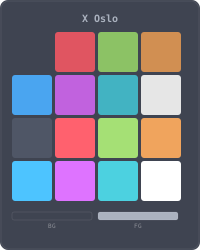
- oslo
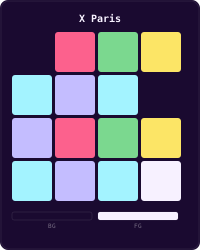
- paris
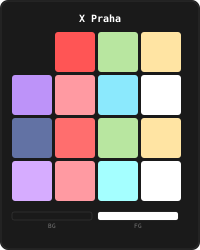
- praha
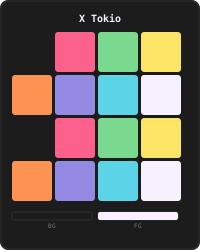
- tokio
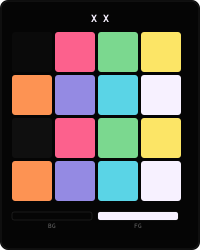
- x
- Fresh should read themes from
~/.config/fresh/themes. Refer to Fresh’s documentation for selecting a theme inside the editor. - No elevated privileges are required. All operations target your home directory.