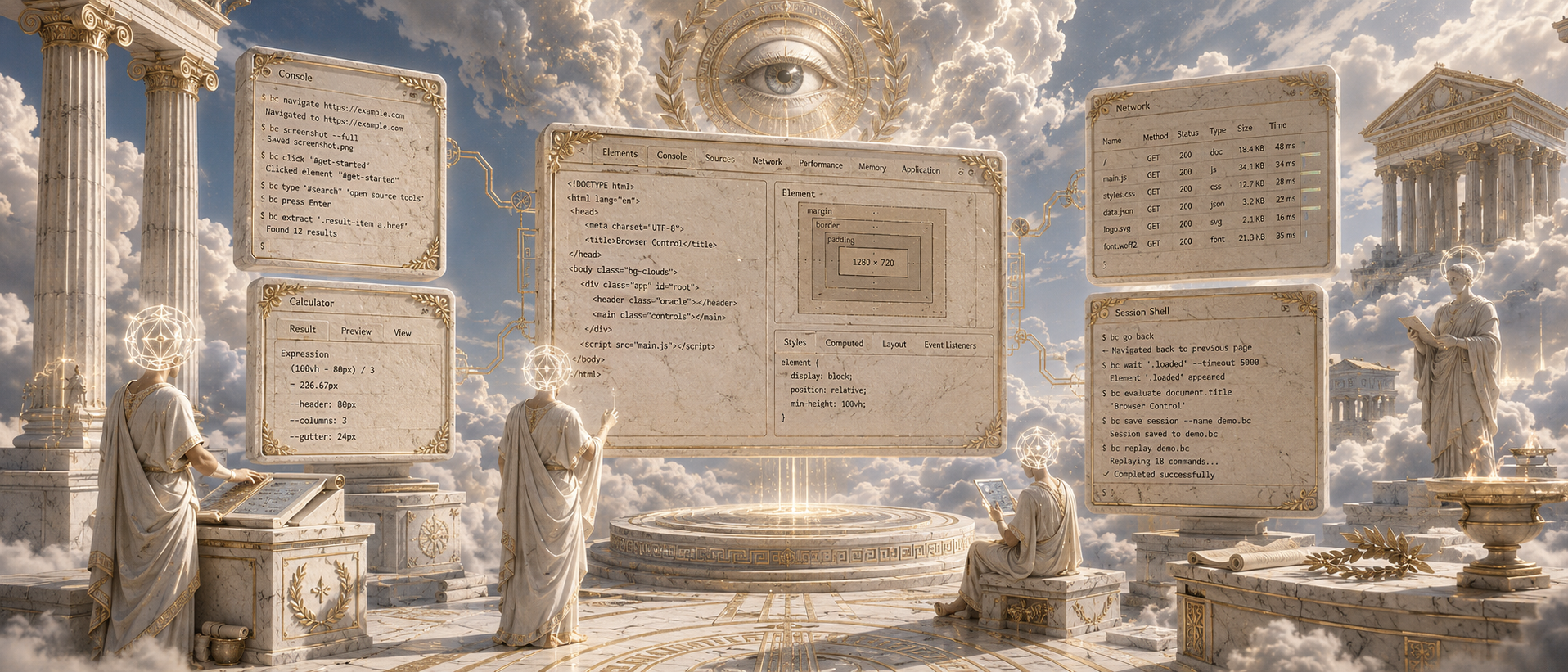
A tiny, fast Rust CLI that drives a real browser over the Chrome DevTools Protocol — built for coding agents.
No LLM. No MCP requirement. No framework. Just compact, composable browser commands you can pipe from a shell.




browser-control exposes a browser as a small, debuggable pipe: page snapshots, stable element refs, raw CDP, a background event watcher, and shell-runnable scripts. The coding agent stays the agent — browser-control just gives it hands and eyes.
browser-control launch https://example.com
browser-control snapshot                 # @e1 <input#search>, @e2 <a "Get started">, ...
browser-control click @e2
browser-control eval 'document.title'- Shell-native. Every capability is a subcommand that prints compact text or JSON. No SDK, no long-running server to babysit, no language lock-in — if your agent can run a shell command, it can drive a browser.
- Refs built for LLMs.
snapshothands back stable@e1/@e2handles you act on directly (click @e3), instead of brittle, hand-written selectors. CSS selectors andx,ycoordinates still work when you want them. - Raw CDP escape hatch. Anything the helper surface can't express,
evalandcdpcan. You never hit a wall and have to switch tools. - Self-observing. A hidden daemon keeps in-memory event / network / console rings, and every command failure drops a compact trace under
.browser-control/traces/so an agent can diagnose itself. - Provider-agnostic cloud. Drive a local Chrome or a remote session on Browser Use, Steel, Hyperbrowser, Browserbase — or any CDP provider — with the same commands.
- Reproducible. One static Rust binary, built from a pinned toolchain and a committed
Cargo.lock.
cargo install browser-control-cli      # installs the `browser-control` binary
browser-control --version
The crate is named
browser-control-cli(the namebrowser-controlwas taken), but the installed command isbrowser-control.
Grab a binary for your platform from the latest GitHub release — no Rust toolchain required.
# macOS / Linux, e.g. aarch64-apple-darwin:
curl -fsSL https://github.com/keon/browser-control/releases/latest/download/browser-control-aarch64-apple-darwin.tar.gz | tar xz
install -m 0755 browser-control /usr/local/bin/git clone git@github.com:keon/browser-control.git
cd browser-control
rustup toolchain install # installs the version pinned in rust-toolchain.toml
cargo build --locked --releaseThe release binary lands at target/release/browser-control. Put it on your PATH:
install -m 0755 target/release/browser-control /usr/local/bin/
browser-control --version- Rust — the toolchain pinned in
rust-toolchain.toml(installed automatically byrustup toolchain install). - Chrome / Chromium — any recent build reachable over CDP.
browser-control launchwill start one for you;doctorreports what it found.
The direct dependencies in Cargo.toml are exact-version constraints and transitive deps are frozen by Cargo.lock. Always build with --locked in CI or benchmark reproduction:
cargo build --locked
cargo test  --locked
scripts/verify.sh # one-command local verificationbrowser-control init # create the .browser-control/ workspace
browser-control launch https://example.com # start Chrome + connect
export BROWSER_CONTROL_CDP_URL=http://127.0.0.1:9222
browser-control doctor # endpoint, browser, pid, daemon, workspace
browser-control snapshot # numbered refs for every actionable element
browser-control click @e1
browser-control eval 'document.title'
browser-control cdp Browser.getVersionAlready have a browser listening on CDP? Skip launch and point at it:
export BROWSER_CONTROL_CDP_WS='ws://127.0.0.1:9222/devtools/browser/<id>'
# Short aliases also work:
export BU_CDP_WS='ws://...'
export BU_CDP_URL='http://127.0.0.1:9222'Every action accepts three target styles — reach for whichever fits:
| Style | Example | When |
|---|---|---|
| Ref | click @e3 |
Default. Stable handles from snapshot/observe; ideal for LLM workflows. |
| CSS | click '#submit' --wait 5 |
When you know the selector; --wait polls for it first. |
| Coordinates | click 100,200 |
Canvas, maps, anything without a stable node. |
eval IIFE-wraps a top-level return, so eval 'const x = 1; return x' works as written.
browser-control status
browser-control doctor                         # endpoint, browser, launched pid, daemon, workspace
browser-control page-info                       # url/title/readyState + viewport/scroll/page size
browser-control snapshot [--json]               # `observe` is an alias
browser-control text                            # visible text
browser-control eval 'document.body.innerText'
browser-control eval --frame iframe-url-substring 'document.title'
browser-control events                          # recent DOM/lifecycle events
browser-control network                         # recent requests
browser-control console                         # recent console messages
browser-control cdp Runtime.evaluate '{"expression":"location.href","returnByValue":true}'browser-control open https://example.com
browser-control click @e3
browser-control click '#submit' --wait 5 # poll up to 5s for the element first
browser-control click 100,200 # coordinates
browser-control click '#row' --clicks 2 # double click; --button right|middle
browser-control fill @e1 'hello@example.com'
browser-control type 'hello'
browser-control press Enter
browser-control press ctrl+a # combos: alt/ctrl/meta(cmd)/shift
browser-control press cmd+shift+t
browser-control scroll -- -300 0 # window scroll
browser-control scroll --at 640,400 -- 300 0 # wheel event at x,y (inner containers)
browser-control select '#country' US
browser-control drag 10,10 200,200
browser-control upload '#file' ./a.pdf ./b.pdfpress maps editing combos (ctrl/cmd + a/c/x/v/z, cmd+shift+z) to renderer editing commands, so select-all and friends work headless and on macOS where the app menu would otherwise swallow them.
browser-control wait load 10
browser-control wait networkidle 10
browser-control wait-element '#ready' 10 --visiblebrowser-control screenshot out.png
browser-control screenshot full.png --full # captureBeyondViewport
browser-control pdf page.pdf
browser-control tabs
browser-control new-tab https://example.com
browser-control switch-tab 1
browser-control close-tab 1
browser-control frames
browser-control cookies
browser-control viewport 1280 720
browser-control download-path ./downloads
browser-control dialog accept # daemon-backed, bounded by BROWSER_CONTROL_TIMEOUT
browser-control stop # stop a browser launched by browser-control
browser-control reload # minimal lifecycle resetbrowser-control run .browser-control/scripts/login.py
printf 'browser-control snapshot' | browser-control --from-stdinrun scripts receive BROWSER_CONTROL_BIN and BROWSER_CONTROL_WORKSPACE. Stdin execution is opt-in via --from-stdin — invoking browser-control with no subcommand and no flag is an error, so an empty or typo'd pipe can't silently bash-exec stdin.
The same commands drive a remote browser. Pick a provider with BROWSER_CONTROL_CLOUD_PROVIDER and browser-control speaks plain CDP to whatever session it gets back:
export BROWSER_CONTROL_CLOUD_PROVIDER=steel
export STEEL_API_KEY=...
browser-control cloud-start                 # provision a session, prints the CDP endpoint to export
browser-control cloud-profiles              # list sessions/profiles
browser-control cloud-stop <session-id>
Built-in presets, each reading its own key:
| Provider | BROWSER_CONTROL_CLOUD_PROVIDER |
API key env |
|---|---|---|
| Browser Use (default) | browser-use |
BROWSER_USE_API_KEY |
| Steel | steel |
STEEL_API_KEY |
| Hyperbrowser | hyperbrowser |
HYPERBROWSER_API_KEY |
| Browserbase | browserbase |
BROWSERBASE_API_KEY (+ BROWSERBASE_PROJECT_ID) |
Any other provider works without a code change. Override
BROWSER_CONTROL_CLOUD_API,BROWSER_CONTROL_CLOUD_API_KEY,BROWSER_CONTROL_CLOUD_AUTH_HEADER, and the optionalBROWSER_CONTROL_CLOUD_{CREATE,LIST,STOP}_PATH/_STOP_METHOD/_CDP_FIELD.browser-controlonly needs the response field that carries the CDP URL.
Local Chrome profiles can be reused or synced into a remote cloud profile:
browser-control local-profiles
browser-control sync-profile "Default" --browser chromeThe hidden daemon command is an implementation detail — normal action / wait / dialog commands auto-start it when event history matters. It accepts tiny JSON requests over .browser-control/daemon.sock, keeps small in-memory rings for events / network / console, and writes .browser-control/daemon-state.json only as a debug artifact. Raw cdp uses the daemon when available and falls back to a direct CDP socket otherwise.
On any command failure, browser-control writes a compact trace under .browser-control/traces/<timestamp>/ with the error plus whatever daemon state / events / network / console history is available. Set BROWSER_CONTROL_NO_TRACE=1 to disable it.
init also copies bundled interaction and domain skill docs from skills/ into the workspace when available — short, focused notes (connection, freshness, final-answer, evidence-page, plus per-site domain guides) that a coding agent can read on demand to drive real sites more reliably.
browser-control is intentionally small: a shell-native Rust CLI around CDP, designed for coding agents that already have their own planning, retry, and file-editing loop. More automation behavior stays outside the tool — the agent is the agent, and the browser is a small debuggable pipe controlled from the shell. This follows the bitter lesson: expose general mechanisms (CDP, snapshots, shell scripts, browser state) instead of baking brittle web-agent intelligence into the tool. Reach for snapshot first, refs for simple actions, and eval / cdp whenever the helper surface isn't enough.
A few deliberate robustness choices:
page-inforeturns{dialog: ...}instead of hanging when a native alert/confirm/prompt is open (the page's JS thread is frozen untildialog accept|dismiss).new-tab <url>createsabout:blank, attaches, then navigates, so a follow-upwait loadcannot return before navigation starts.- Tab auto-selection skips
chrome:///devtools:/// extension internals.
Code layout (src/): main.rs CLI + dispatch · cdp.rs CDP client + endpoint discovery · daemon.rs event daemon + IPC · actions.rs input actions · js.rs injected JS · lifecycle.rs launch/stop/doctor · workspace.rs .browser-control/ state · cloud.rs cloud-provider passthrough · output.rs rendering.
scripts/verify.sh                      # build + test + smoke
tests/run_claude_browser_control.py    # end-to-end agent smoke test
The companion WebVoyager benchmark package lives at omxyz/webvoyager.
Inspired by Vercel's agent-browser and browser-harness.