This is my dotfile repository. There are many like it, but this one is mine.
My primary operating system is macOS, but I do use Linux occasionally. I always aim to make everything work for both platforms but no guarantees.
Feel free to try out my dotfiles or use them as inspiration! If you have a suggestion, improvement or question, please open an issue or PR!
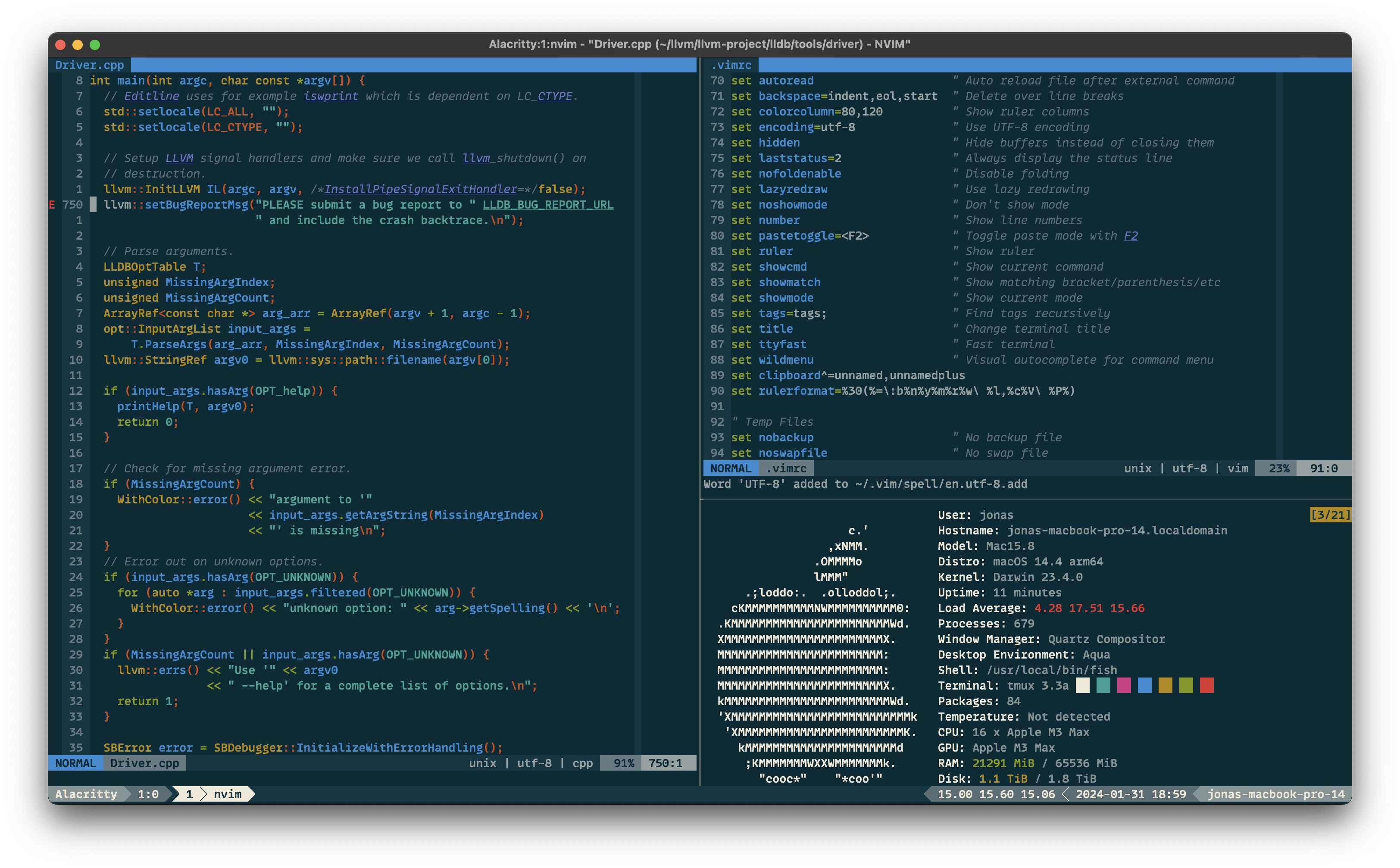
Clone the dotfiles repository.
$ git clone https://github.com/JDevlieghere/dotfiles.git ~/dotfiles
$ cd ~/dotfiles
Use the bootstrap script to create symbolic links and configure the tools and operating system.
$ ./bootstrap.py -h
usage: bootstrap.py [-h] [-s] [-i] [-c] [-a]

Bootstrap script for dotfiles setup and configuration.

optional arguments:
  -h, --help     show this help message and exit
  -s, --sync     Synchronizes dotfiles to home directory
  -i, --install  Install (extra) software
  -c, --config   Configures your system
  -a, --all      Does all of the above
Warning
If you decide to use this configuration as is, don't forget to change your
name and e-mail address in .gitconfig.
Note
On macOS, the configuration step symlinks Homebrew's fish into
/usr/local/bin, registers it in /etc/shells, and sets it as the login
shell with chsh. Make sure fish is installed (-i) beforehand.
- Terminal Emulator: Ghostty & Alacritty
- Theme: Solarized Dark
- Font: MonoLisa
- Configuration: ghostty/config and alacritty.toml
- Shell: Fish Shell
- Prompt: Starship
- Configuration: .config/fish and starship.toml
- Editor: Neovim
- Plugin Manager: Lazy.nvim
- Configuration: .vimrc and .config/nvim
- Command Line Tools
- The
os/macos.pyscript with sensible macOS defaults is forked from Mathias Bynens' dotfiles.